Basic Use and Menu Structure
Main Page Overview
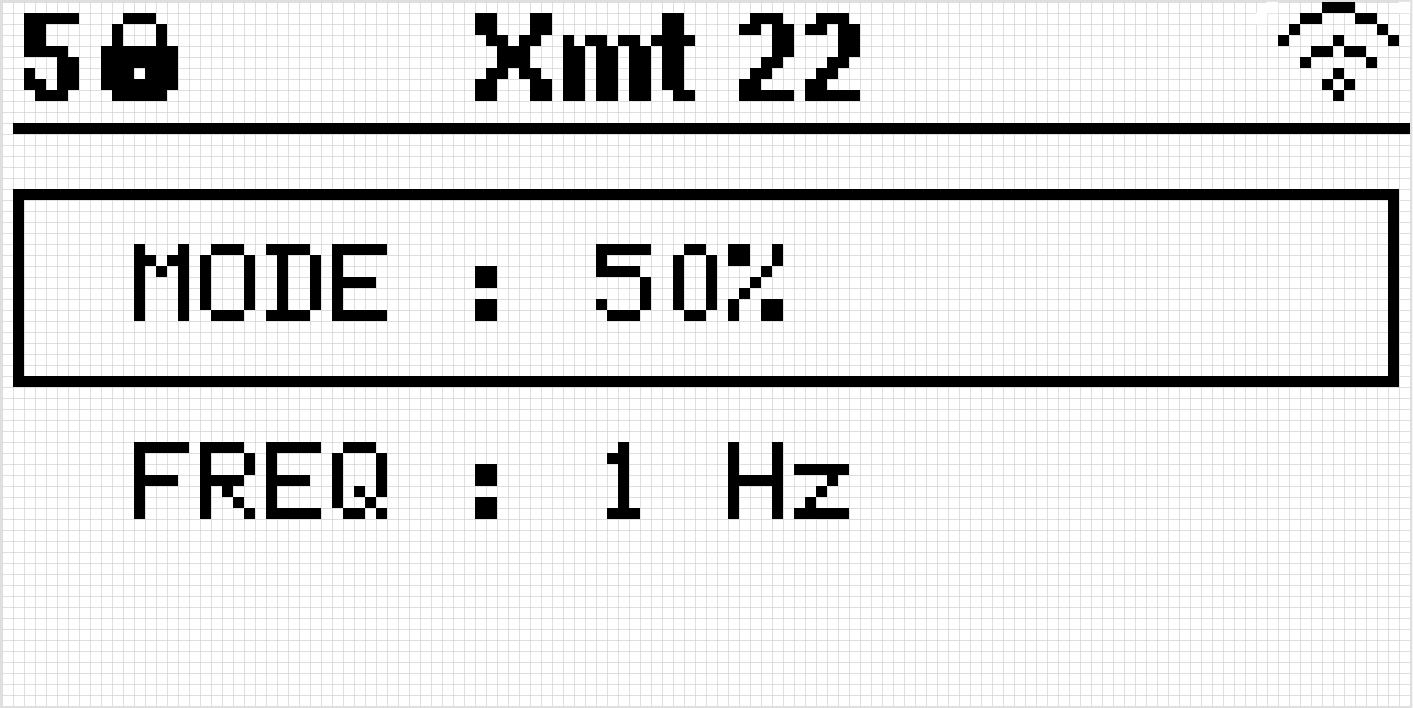
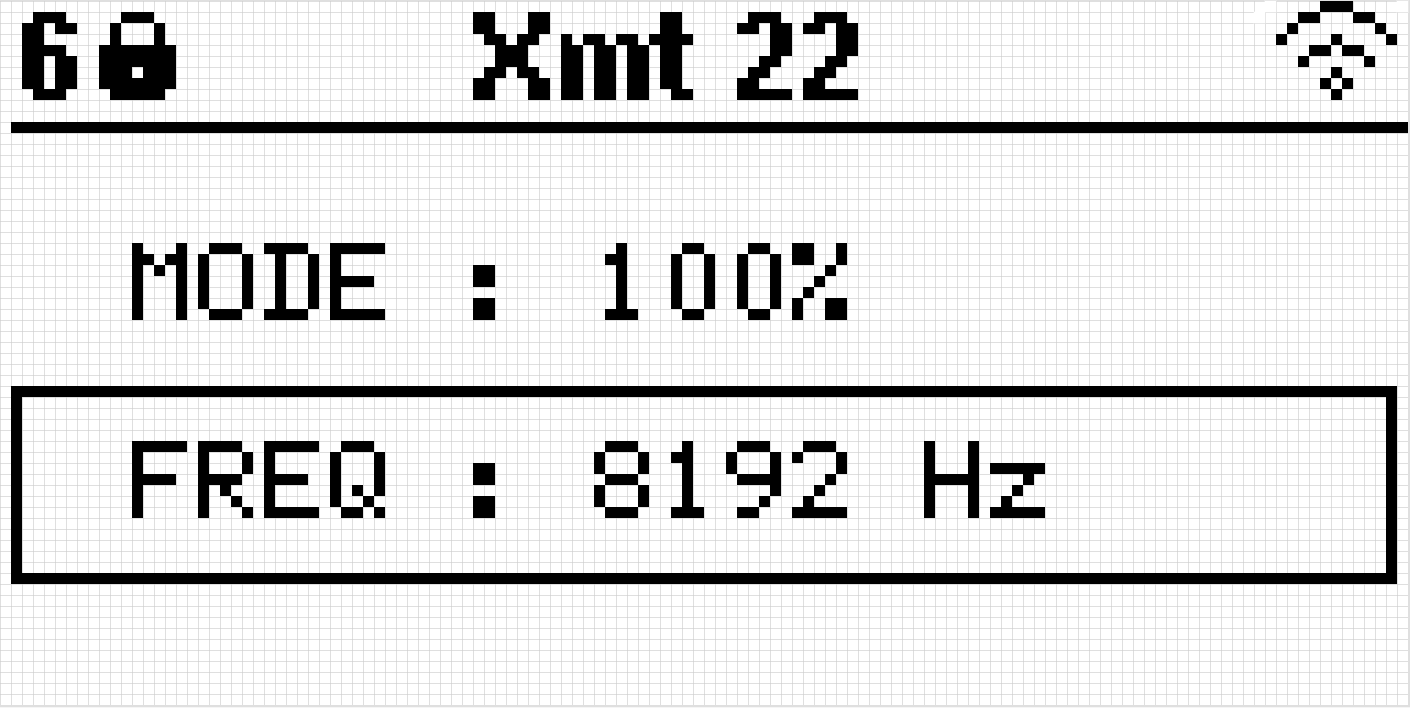
The main page provides a quick view of essential information, including:
Selected Mode: Displays the current operational mode.
Frequency: Shows the frequency setting in use.
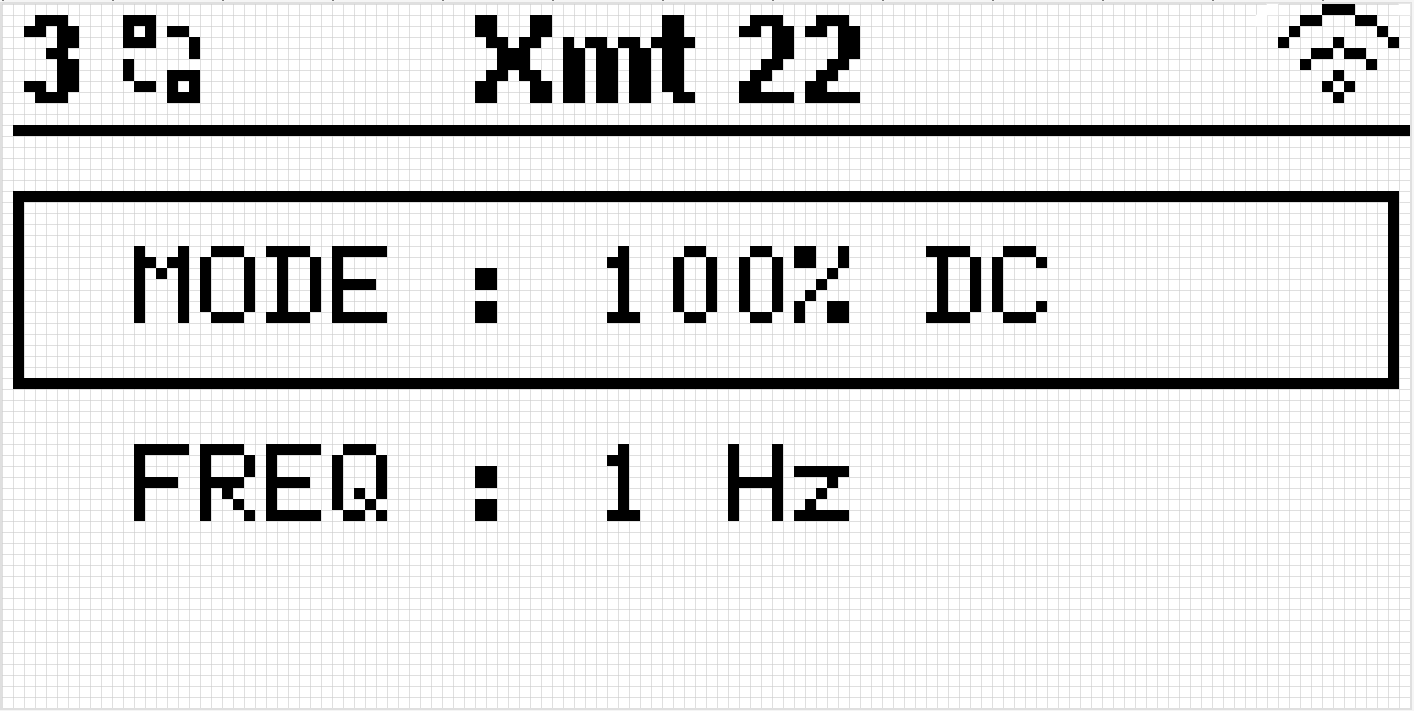
The top section of the screen displays:
Number of Satellites: Indicates the GPS satellite connection status.
Sync Status: Displays “Searching for Sync” or “Locked.”
XMT ID: Identifies the unique transmitter ID.
Wi-Fi Status: Shows if Wi-Fi is enabled or disabled.
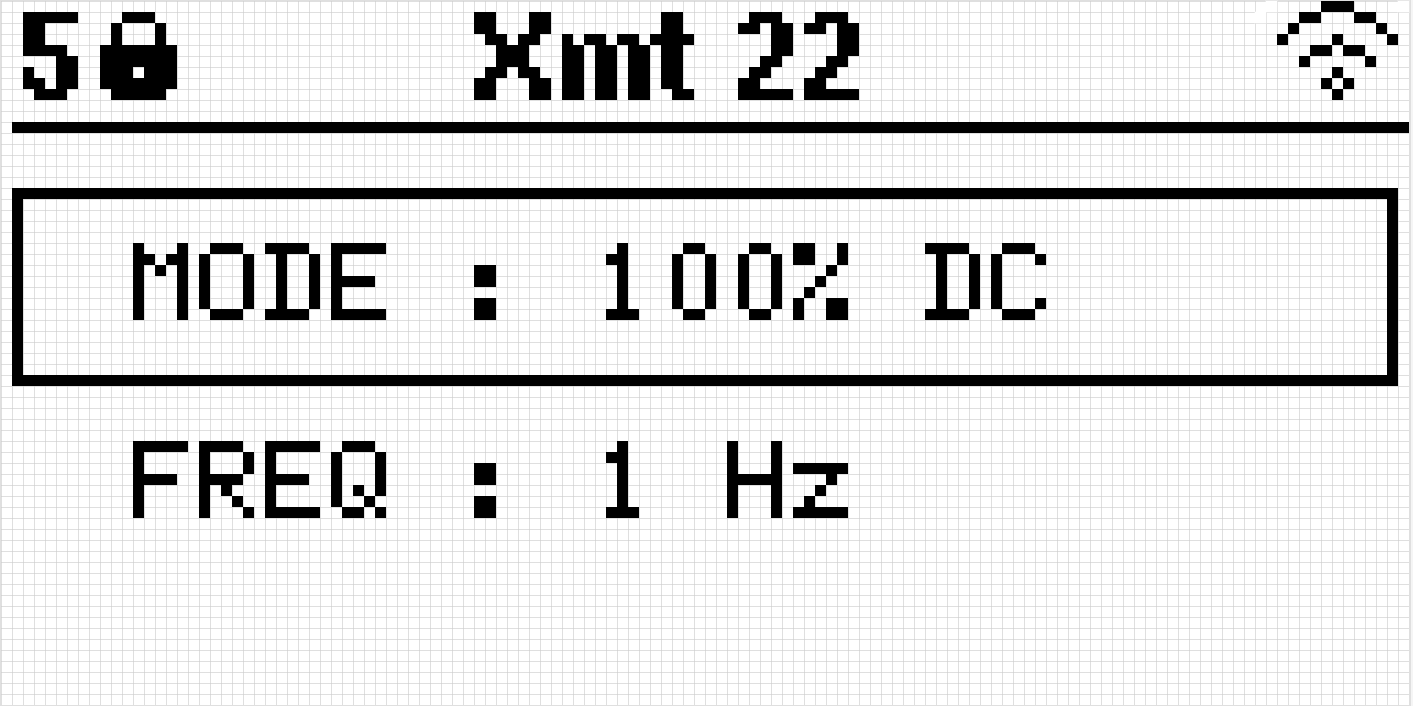
Mode Adjustment on Main Page
To switch modes directly from the Main Page:
Make sure you have MODE selected (using the NEXT button).
Press and hold the UP or DOWN button for two seconds to change the mode. (This delay is for safety reasons to prevent accidental mode changes.)
Frequency Adjustment on Main Page
To adjust the frequency directly from the Main Page:
Make sure you have FREQUENCY selected (using the NEXT button).
Press the UP or DOWN button to increase or decrease the frequency setting.
Menu Options
In the MENU page:
Mode Selection: Choose between “Basic” and “Advanced” modes.
Basic Mode offers two options:
100% DC: Allows frequency selection from 0.0078125 Hz up to 8192 Hz.
50%: Limits frequency selection to a range of 0.0078125 Hz up to 64 Hz.
Advanced Mode includes additional options:
100% DC: Frequency range from 0.0078125 Hz up to 8192 Hz.
50%: Frequency range from 0.0078125 Hz up to 64 Hz.
Custom: Allows frequency selection from 0.0078125 Hz up to 8192 Hz.
MMR 5Hz: Specialized mode for MMR applications, fixed at 5 Hz.
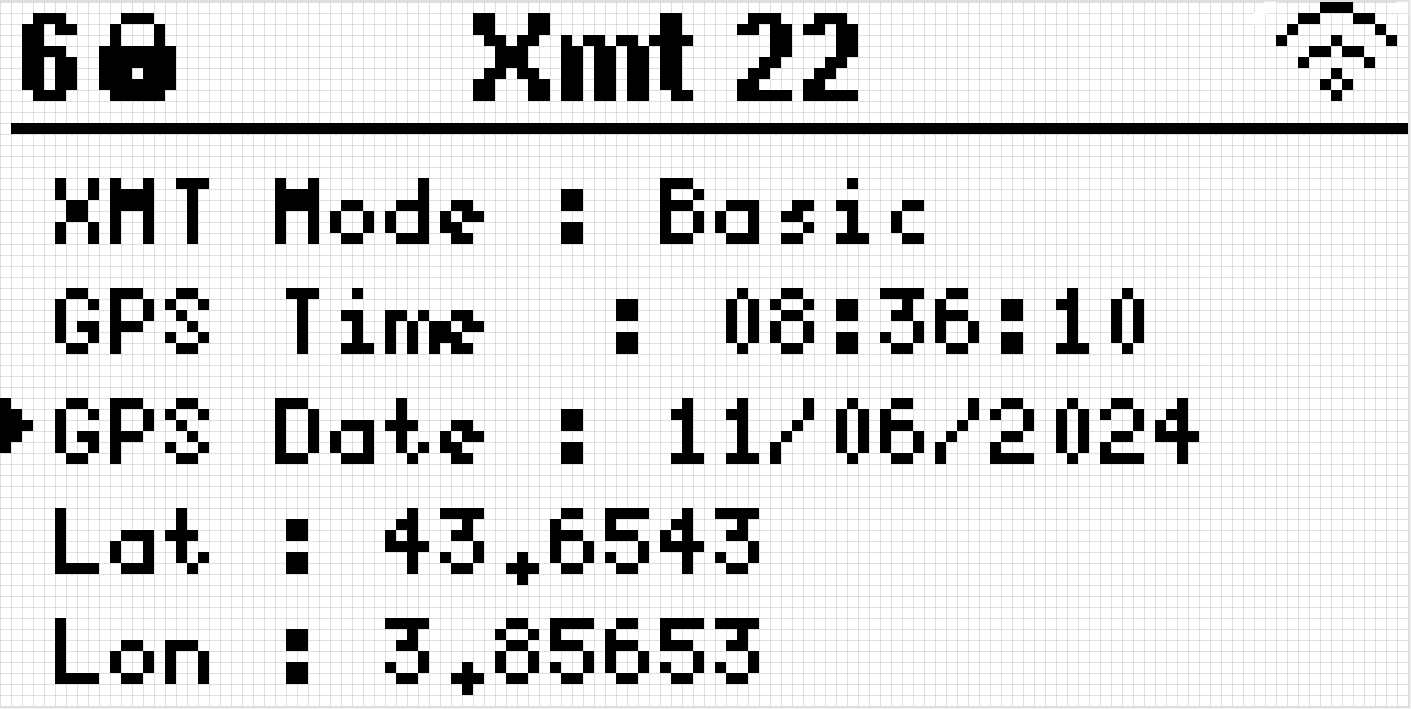
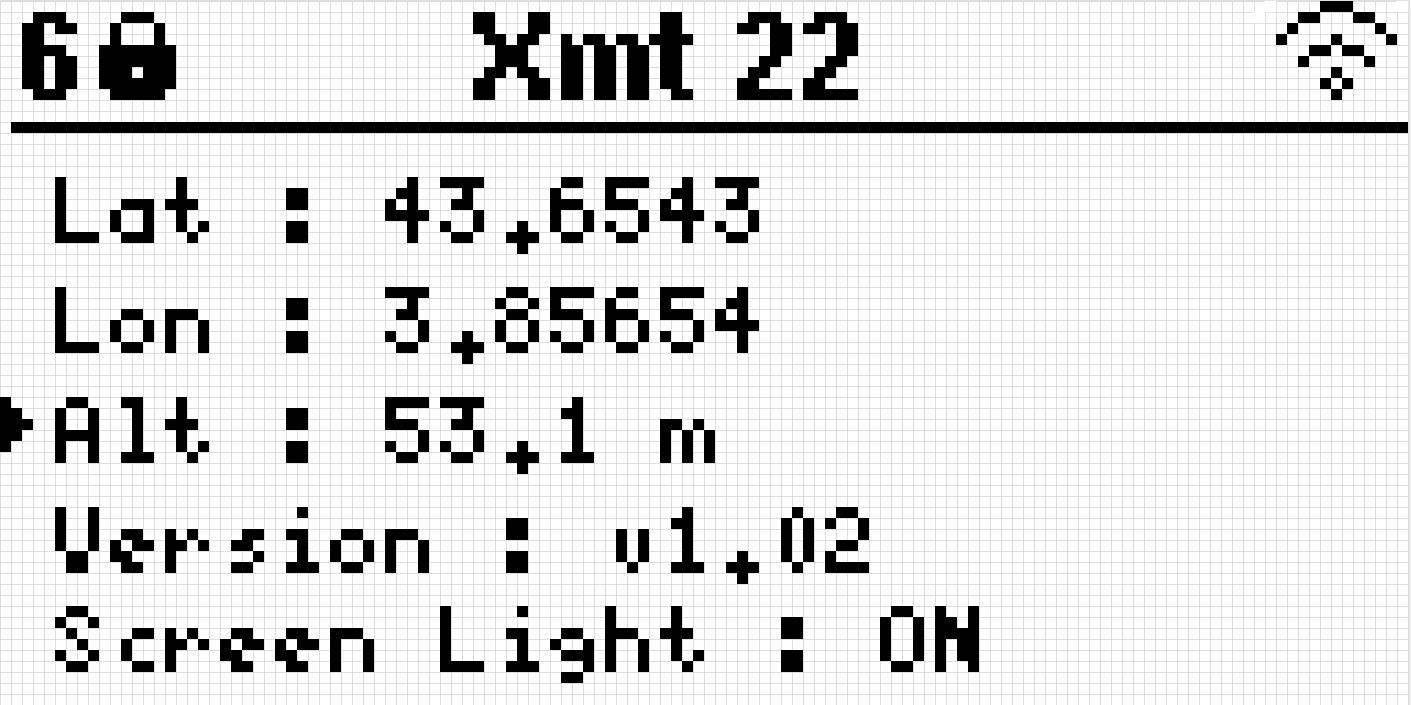
GPS Information: Displays the current GPS status and satellite data.
Firmware Version: Shows the firmware version installed.
Screen Light Control: Turn the screen light on or off.
Wi-Fi Control: Enable or disable Wi-Fi and view the device’s IP address if Wi-Fi is active.