Quick Start
This section covers the fastest path from power-on to first transmit.
Before You Start
Connect the ZT-100 to an external generator power source (for example Zonge ZMG9, ZMG30, or similar).
Connect the GPS antenna.
Connect the transmitter cable.
Power On and Check Status
Power on the ZT-100.
Wait for GPS to begin locking.
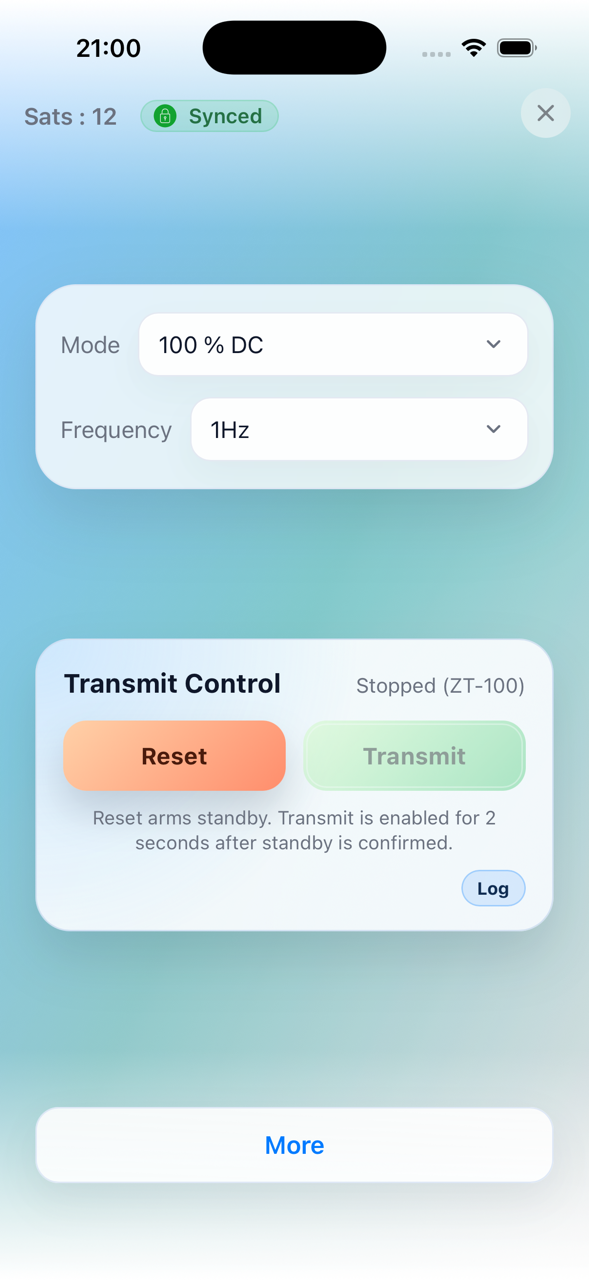
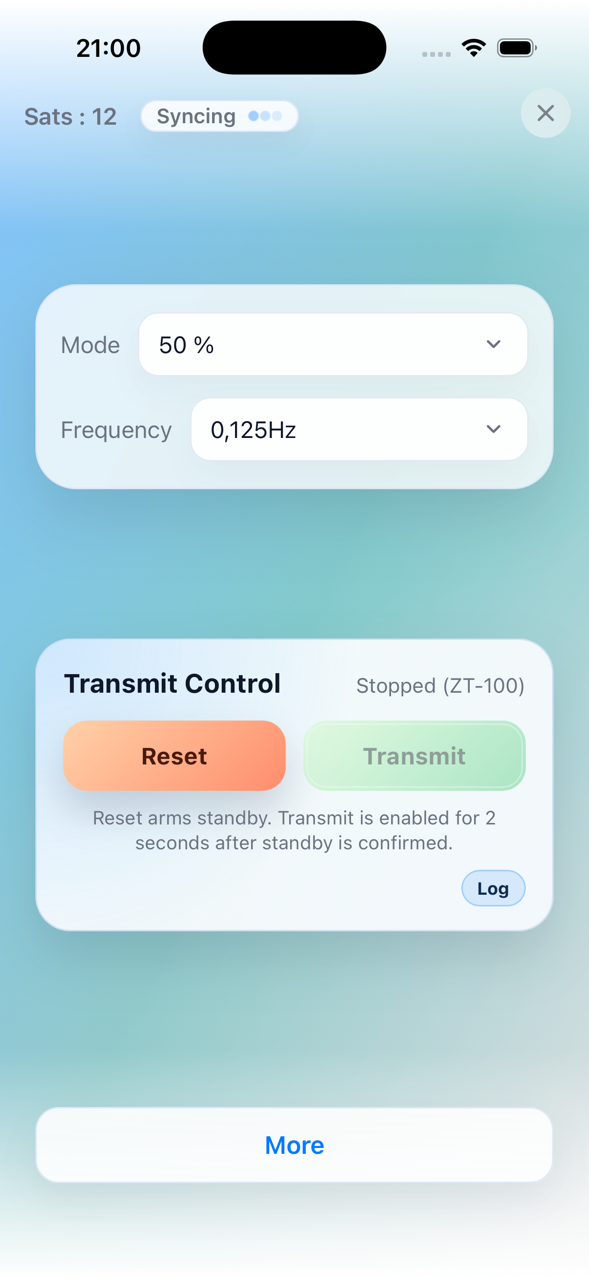
Confirm satellite count is increasing and sync status moves toward locked.
Set Mode and Frequency
Select the operating mode (100% DC, 50%, Custom, or MMR 5Hz).
Set the target frequency.
Note
In MMR 5Hz mode, frequency is fixed at 5 Hz and cannot be edited.
Start Transmit
Press RESET.
You then have about 2 seconds to press TRANSMIT.
If everything is fine and load checks pass, transmit starts.
Stop Transmit
Press either RESET or TRANSMIT to stop output.
Web Interface (Optional)
Enable Wi-Fi on the device.
In hotspot mode, connect to ZT-100.
Open
http://10.10.10.10/in a browser.Or use the mobile app. It automatically connects to the correct network and IP address.
|
|
For details, see Basic Use and Menu Structure and Using the Web Interface.